
Batch Process Your Auto Parts Photography
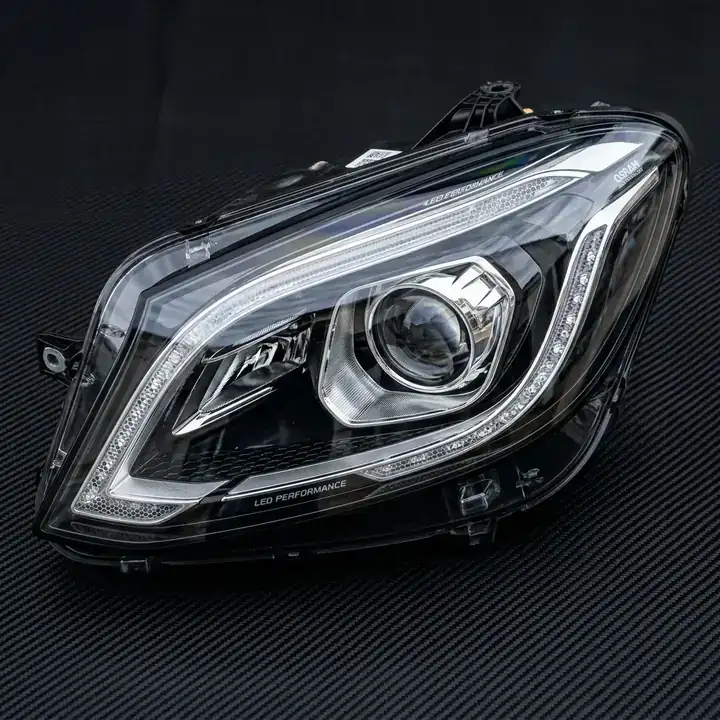
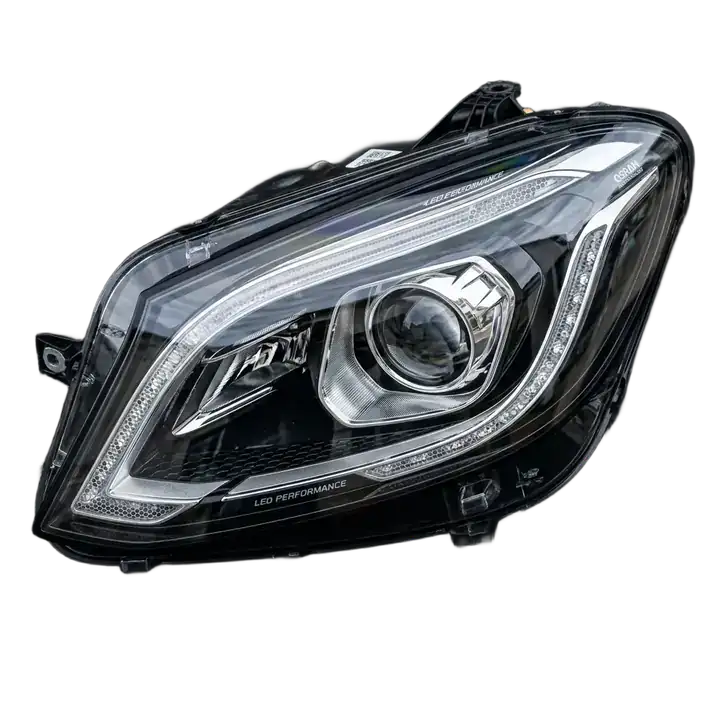
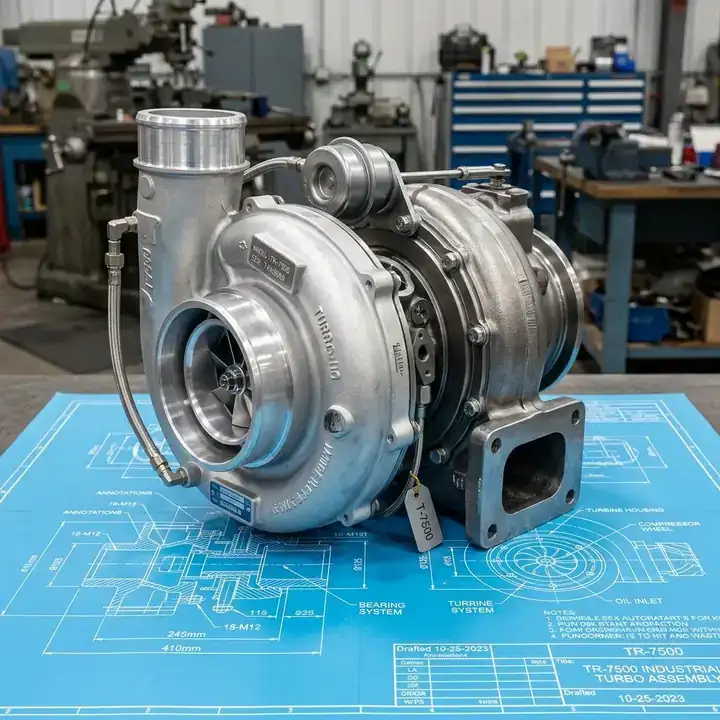
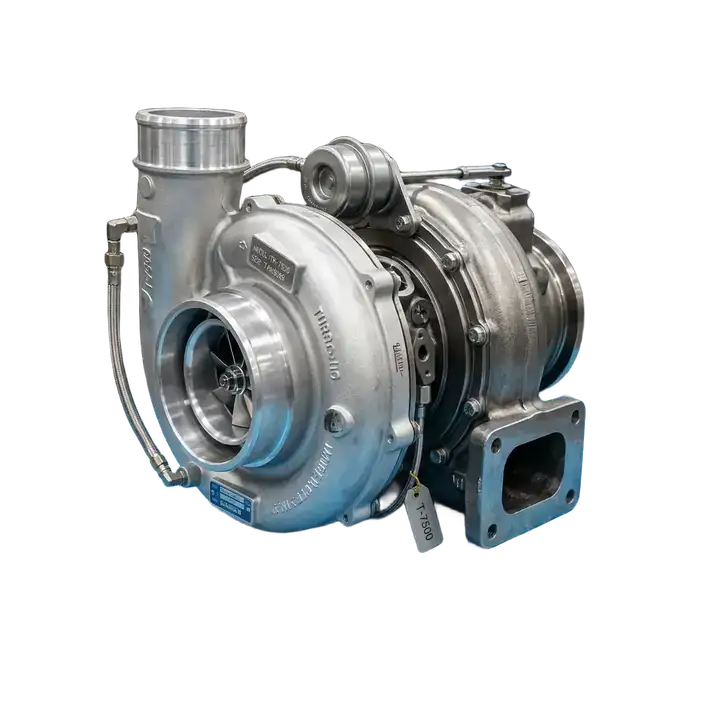
Stop wasting hours pen-tooling complex hardware. Batch process up to 50 mechanical parts with pinpoint accuracy in seconds.
Try it FreeSee the AI Precision in Action
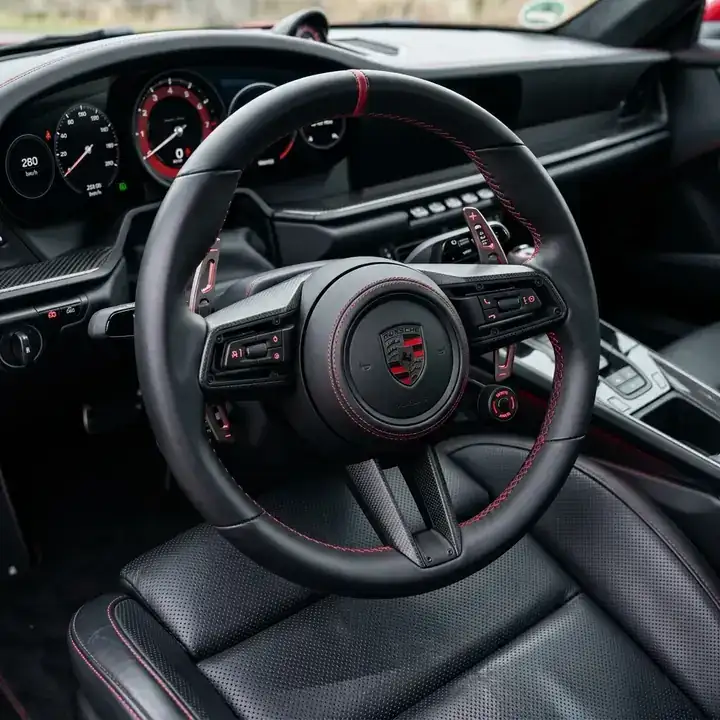
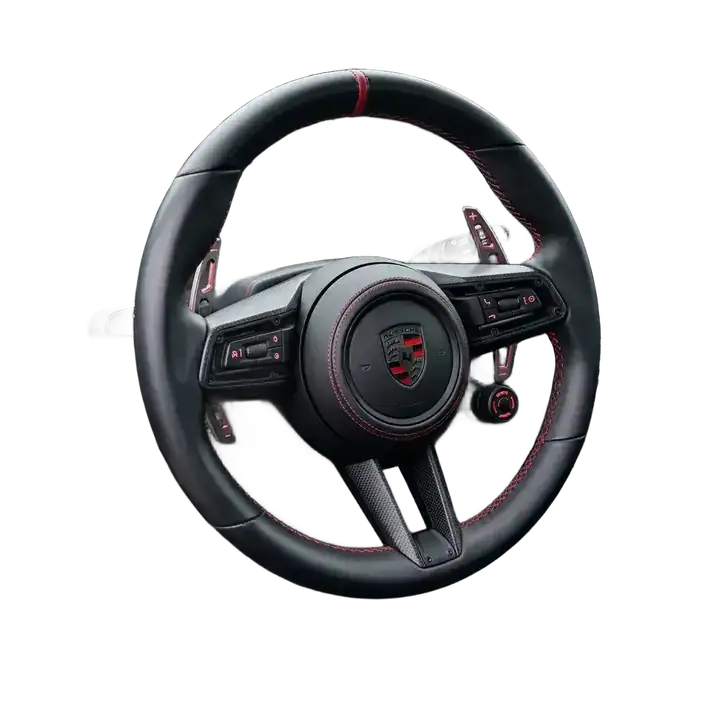
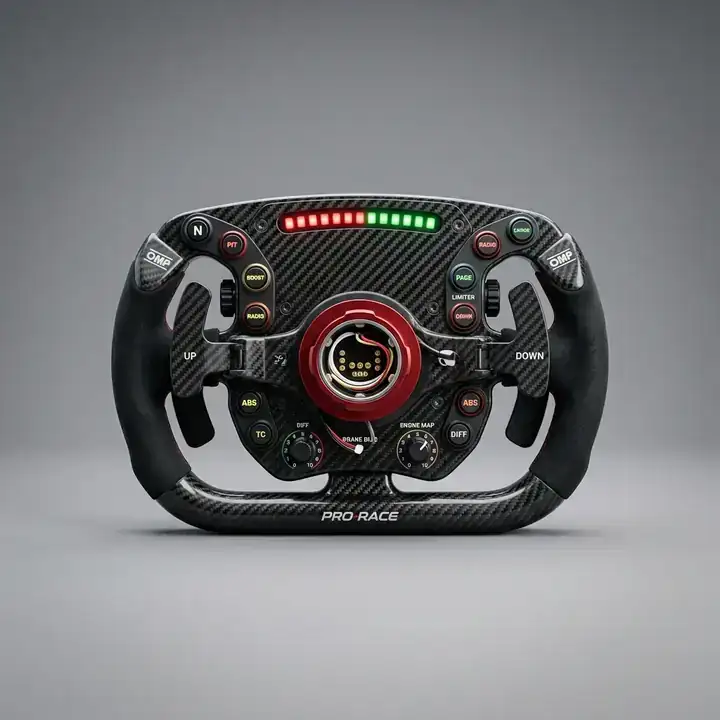
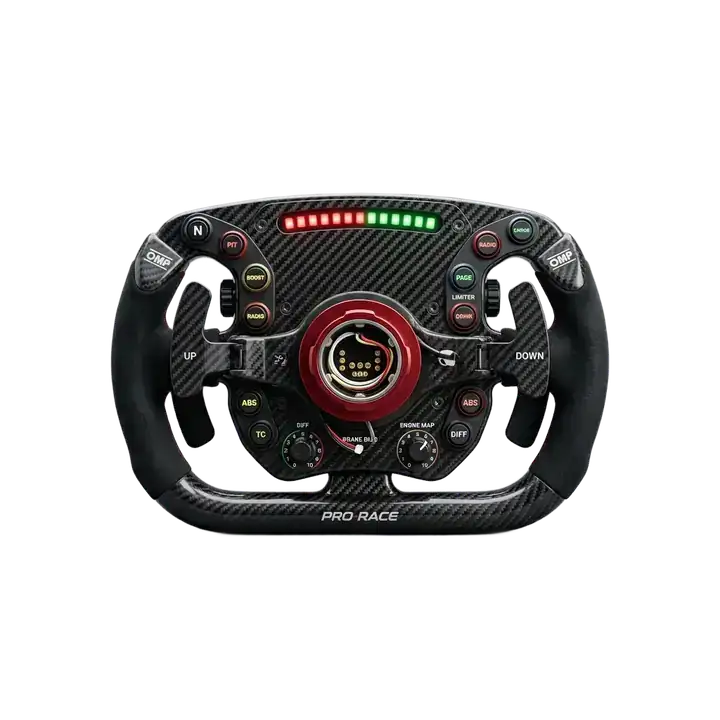
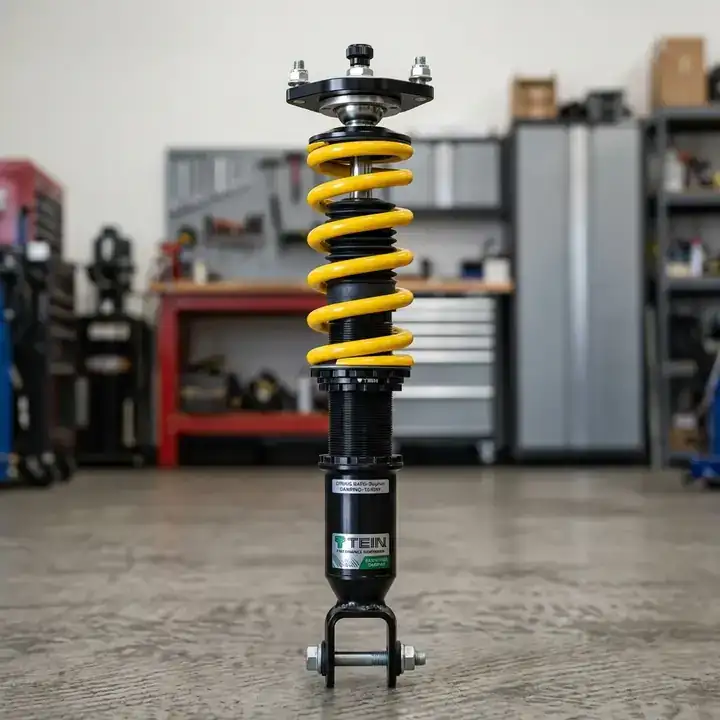
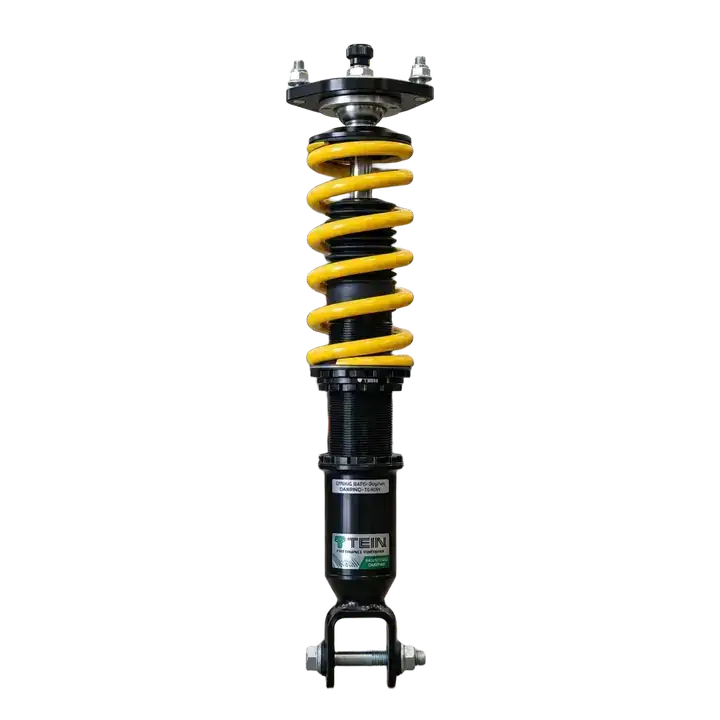
Hover over any image to reveal the background removal result.
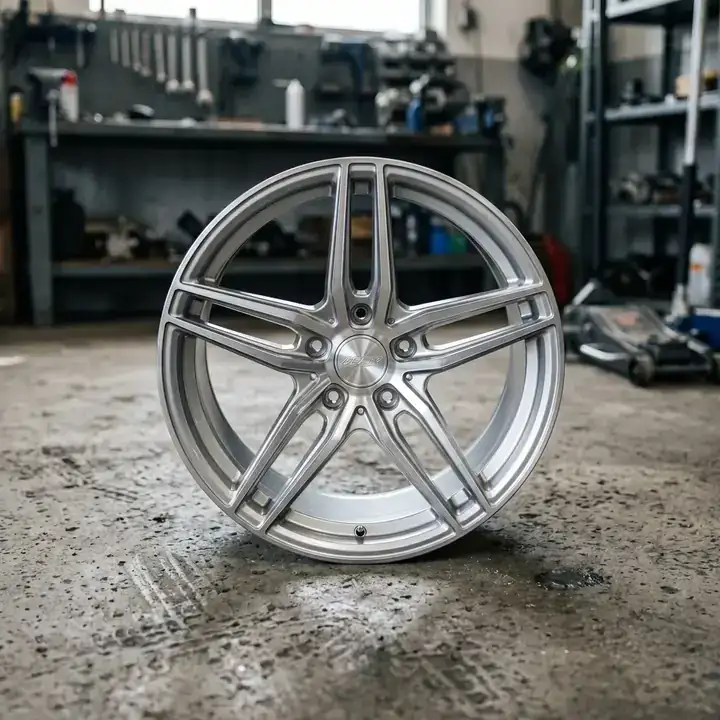
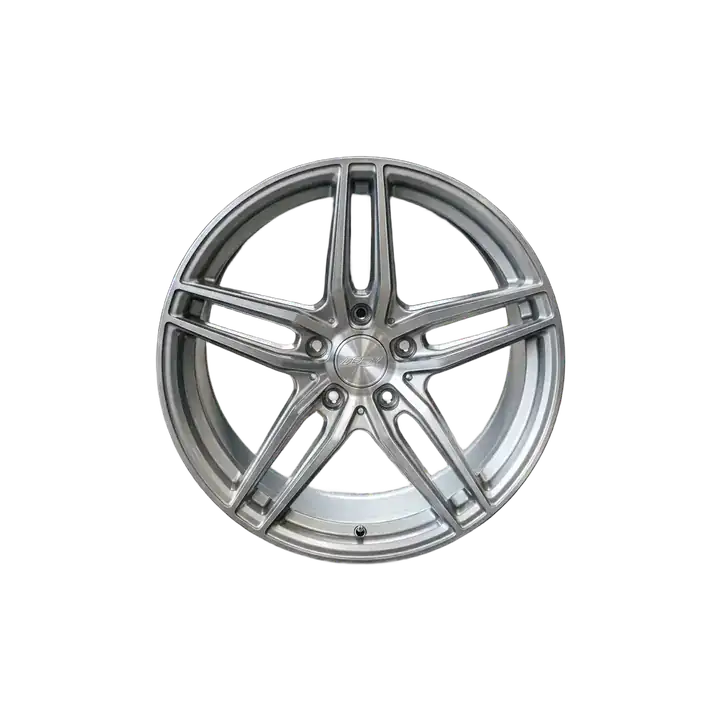
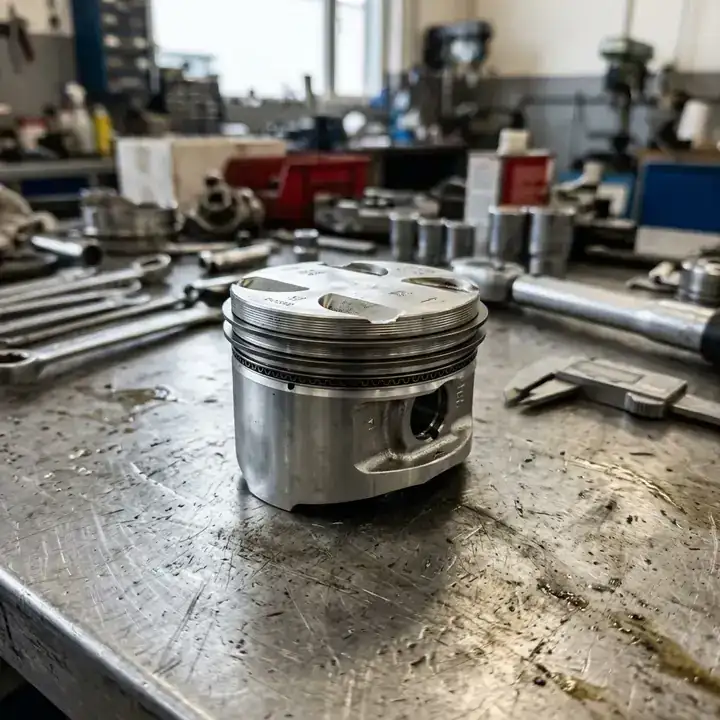
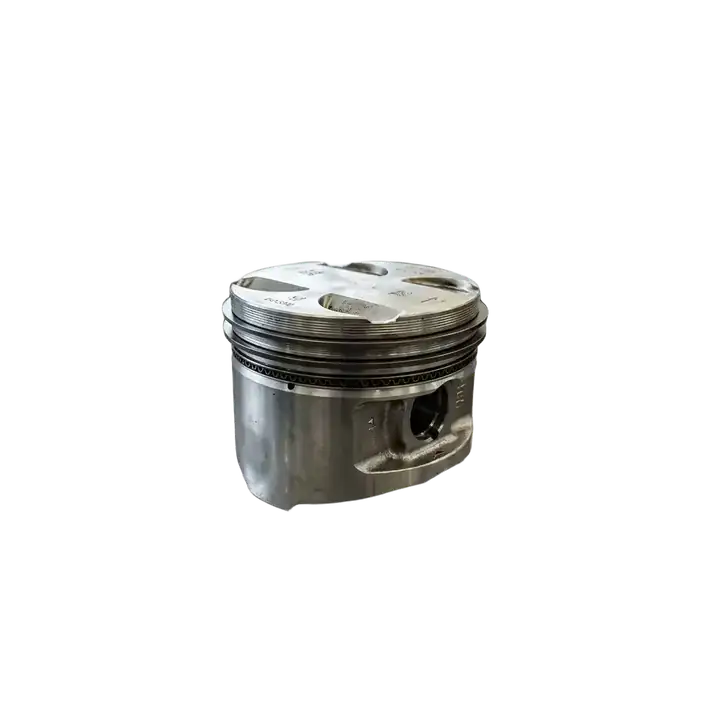
Ready to Scale Your Hardware eCommerce?
Upload any image to see the magic happen instantly.
Industry Challenge
Conquering Complex Gears, Threads, and Metallic Edges
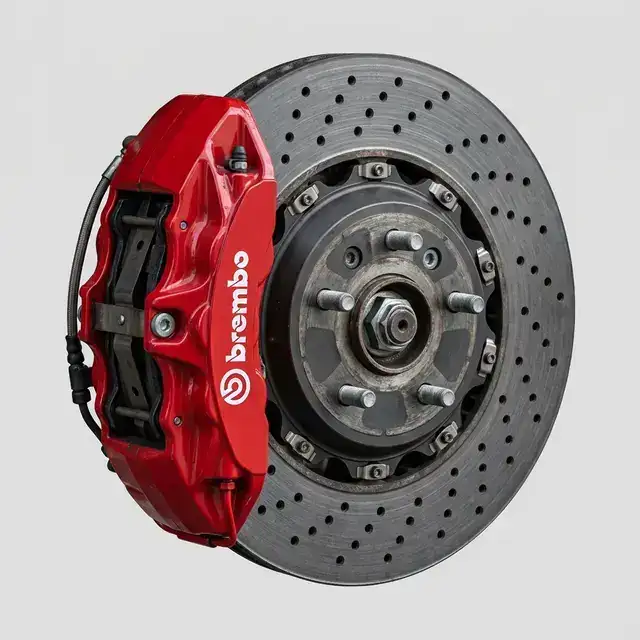
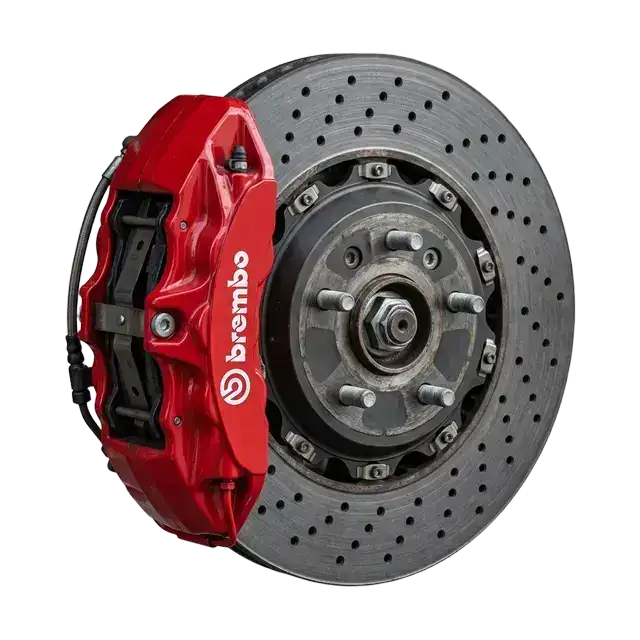
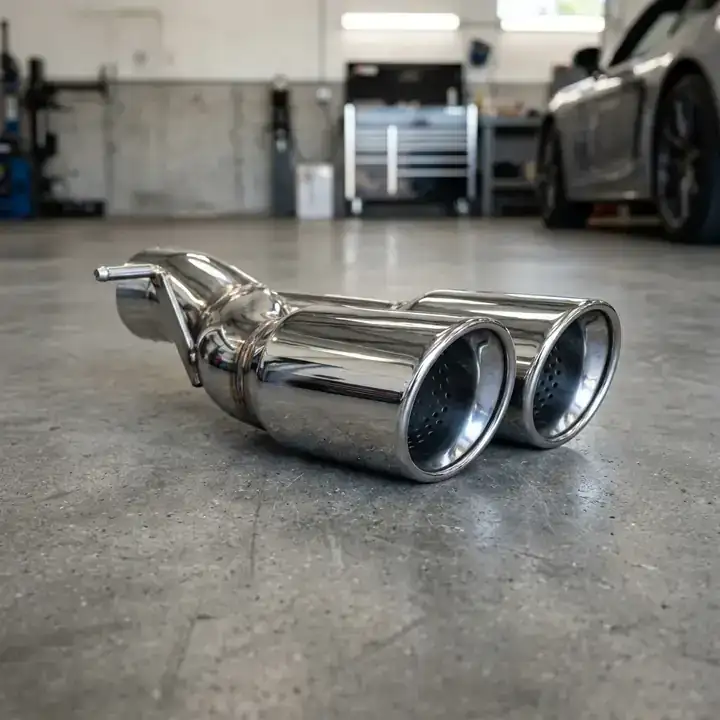
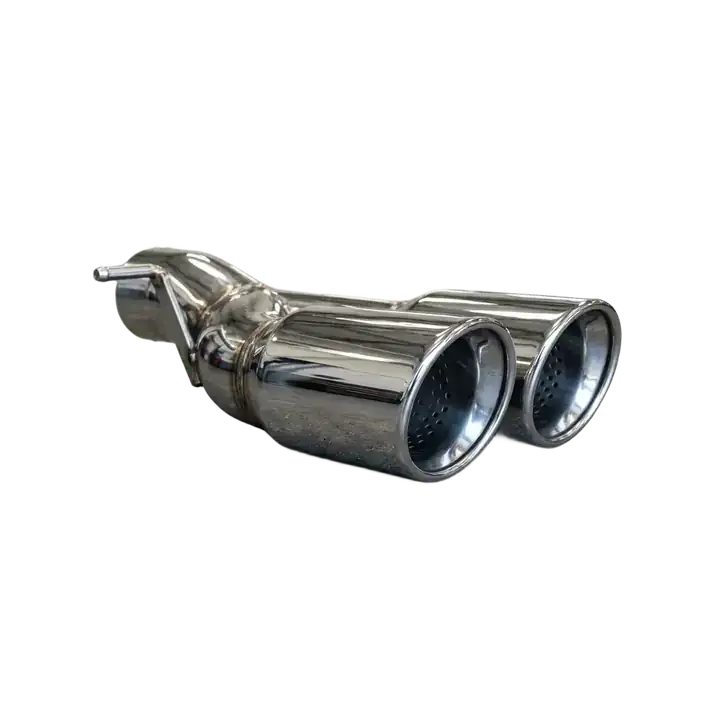
Industrial hardware and auto parts are notoriously difficult to edit. Traditional clipping paths fail on threaded screws, intricate gears, and reflective metallic surfaces. TryPixflow’s AI understands rigid mechanical geometry, executing a flawless clean cut around the most complex parts while completely stripping away warehouse backgrounds or workbench clutter.
Flexible Pricing
No credit card required to start. Choose a plan that works for you.
Basic
Get 150 HD Image Cutouts
- 150 HD Image Cutouts
- Commercial License
- Standard Speed
Pro
Get 500 HD Image Cutouts
- 500 HD Image Cutouts
- Commercial License
- Priority Speed
Business
Get 2000 HD Image Cutouts
- 2000 HD Image Cutouts
- Commercial License
- Highest Priority Speed
Secure encrypted payments. 24/7 priority support included.
Frequently Asked Questions
Everything you need to know about Batch Process Your Auto Parts Photography background removal.
Absolutely. Our edge-detection model thrives on hard, physical boundaries. It flawlessly isolates intricate details like gear teeth, coiled springs, and threaded bolts without jagged edges.
Yes. The AI is trained to separate the object's natural metallic highlights from the background reflections, ensuring your hardware looks solid and highly professional.
Yes, TryPixflow is designed for volume. You can standardize thousands of SKUs rapidly, replacing messy factory backgrounds with the pure white canvas required by major eCommerce platforms.