Batch Process Your Food Photos Instantly
Turn dozens of kitchen snaps into professional menu assets at once. Batch process up to 50 items for UberEats, DoorDash, and your website.
Try it FreeSee the AI Precision in Action
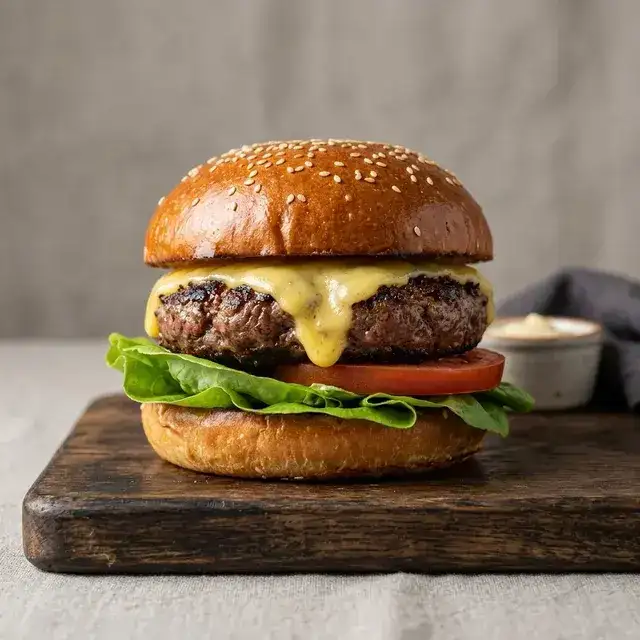
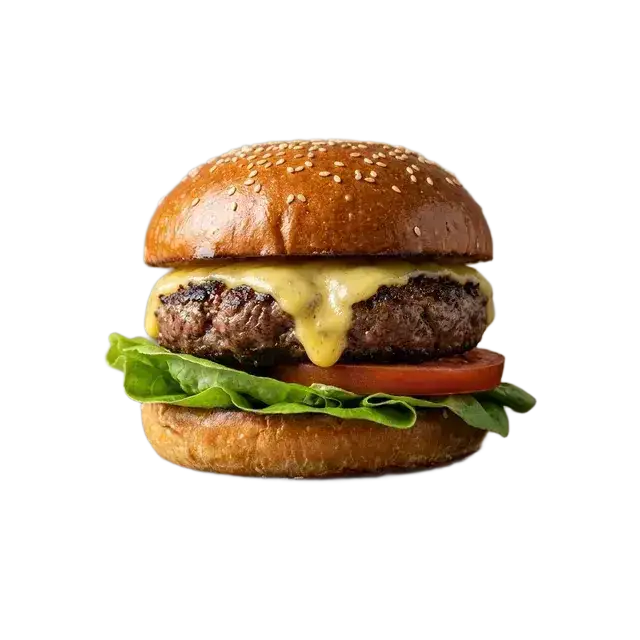
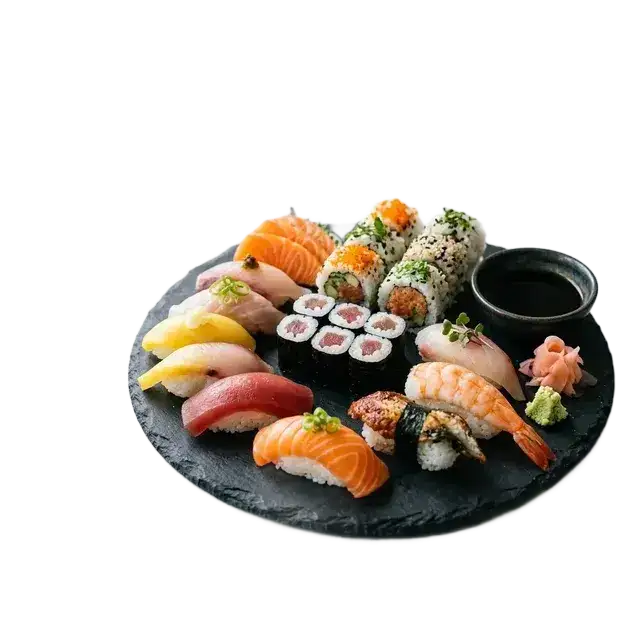
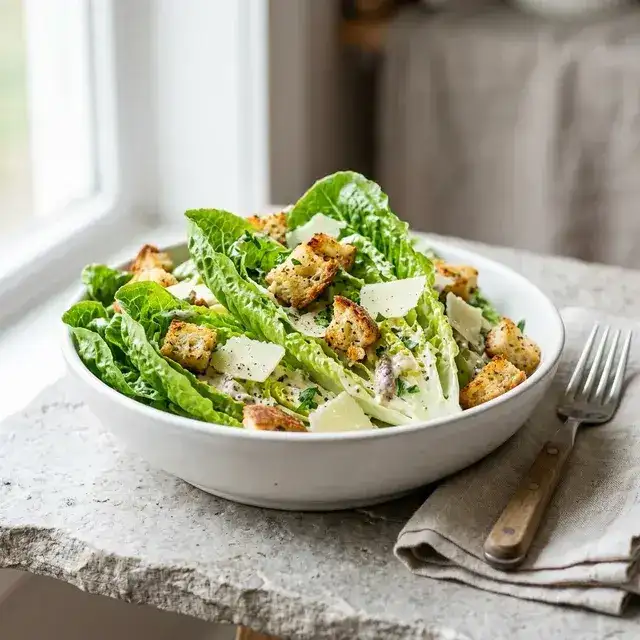
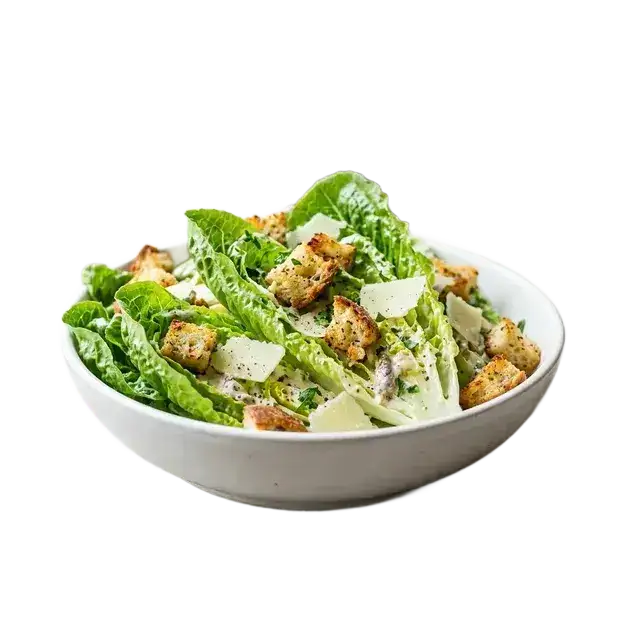
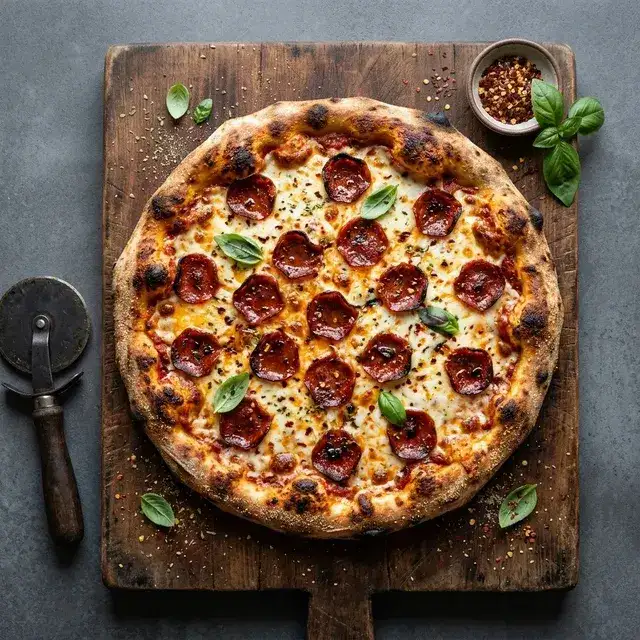
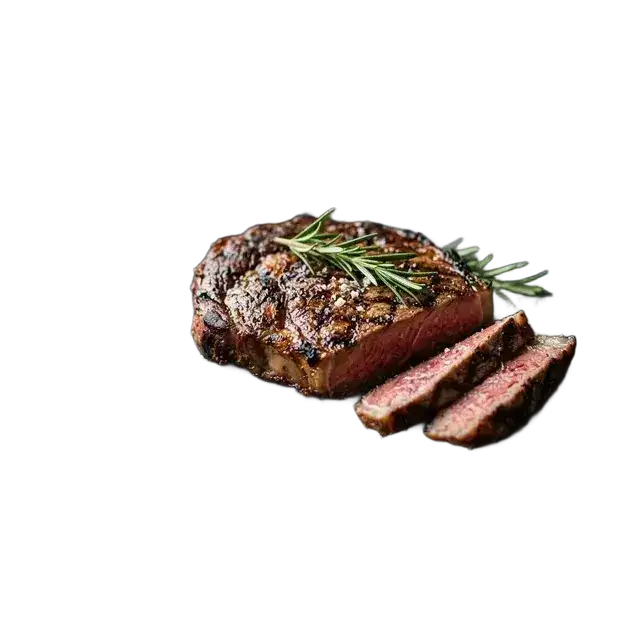
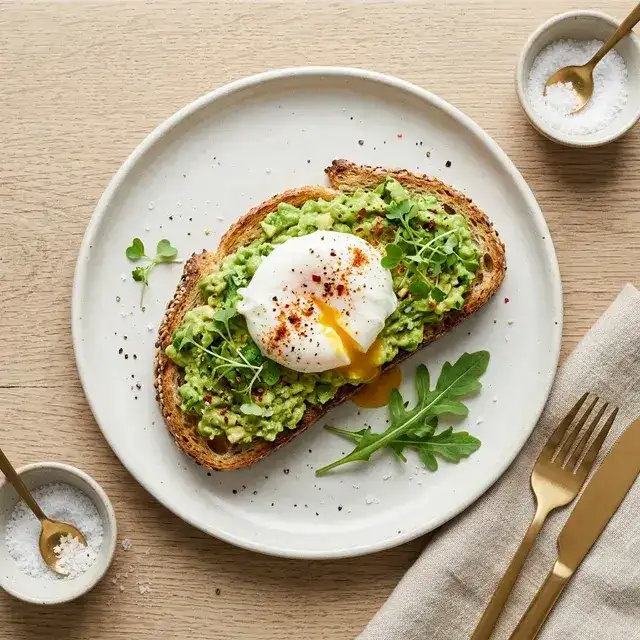
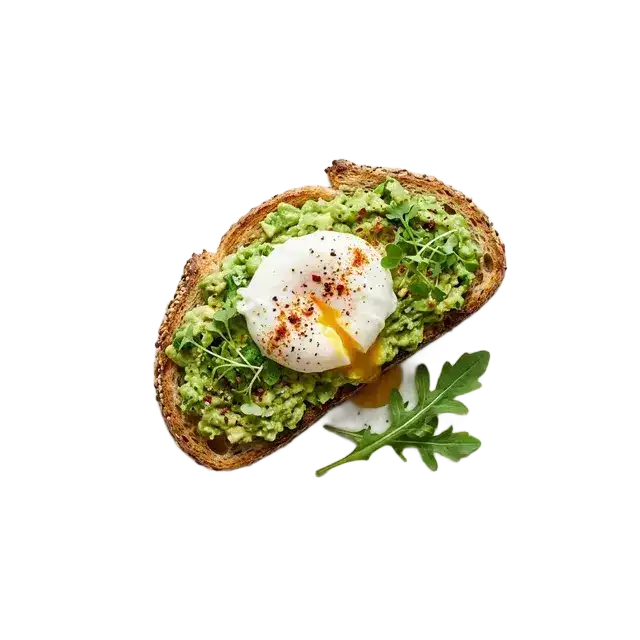
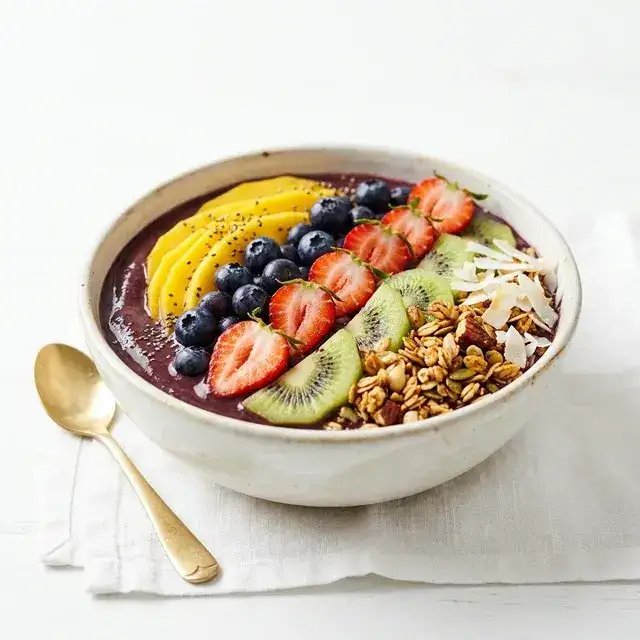
Hover over any image to reveal the background removal result.
Ready to Upgrade Your Digital Menu?
Upload any image to see the magic happen instantly.
Industry Challenge
Clean Plates, No Distractions: The Perfect Menu Canvas
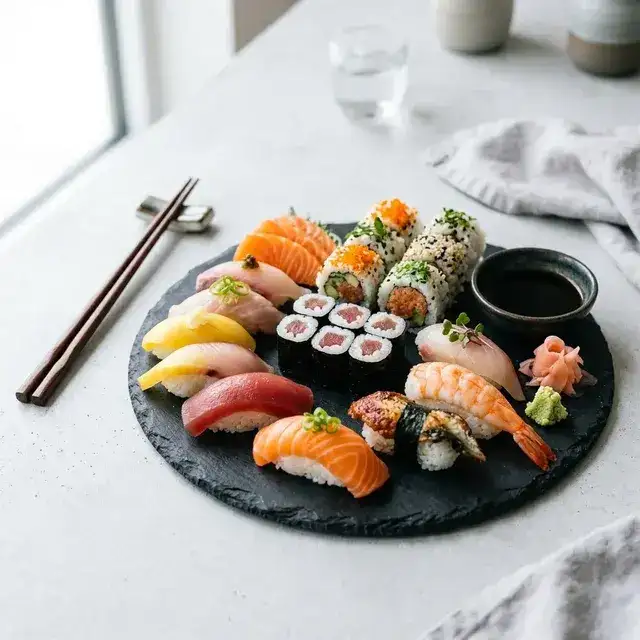
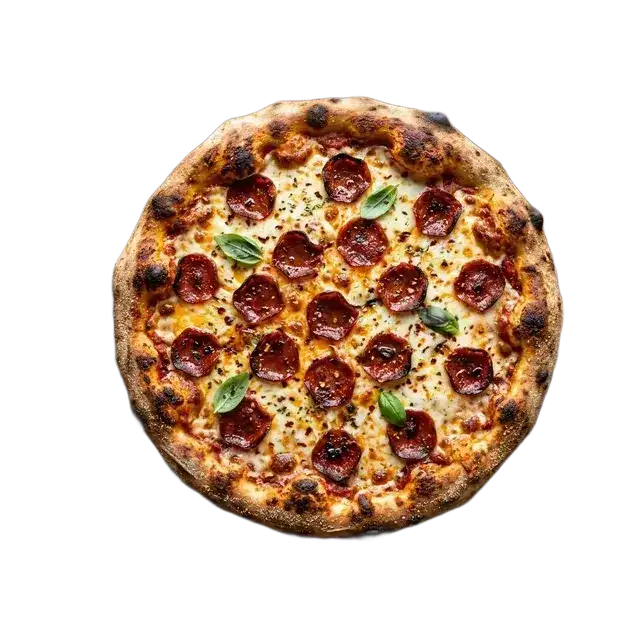
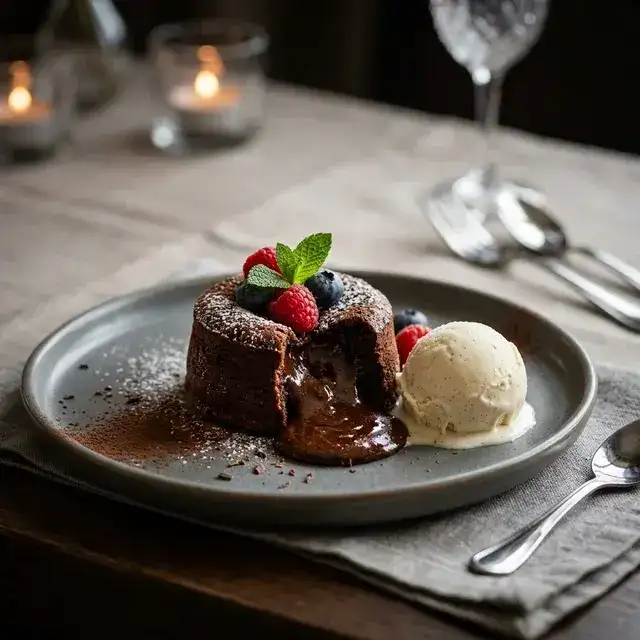
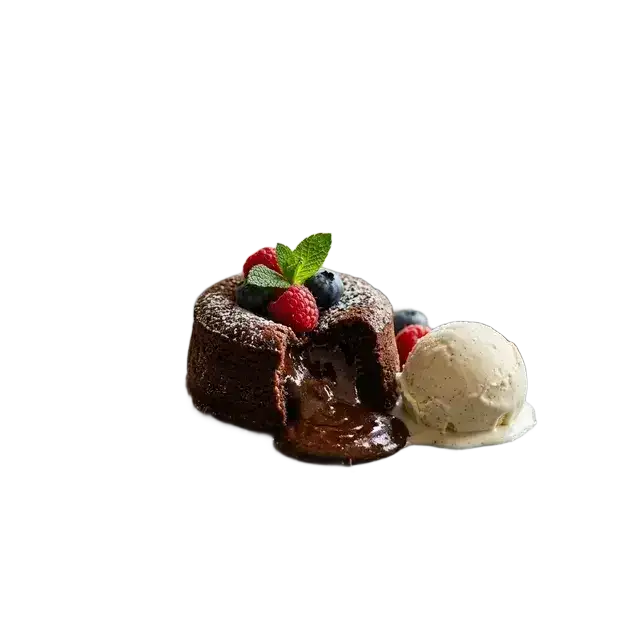
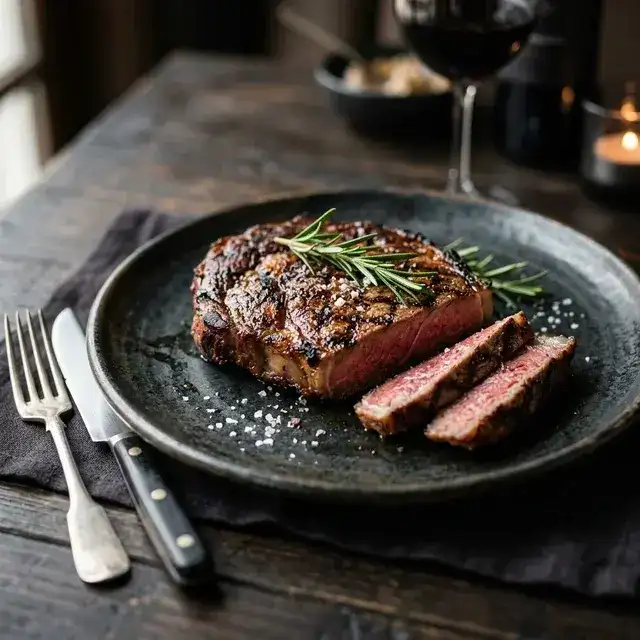
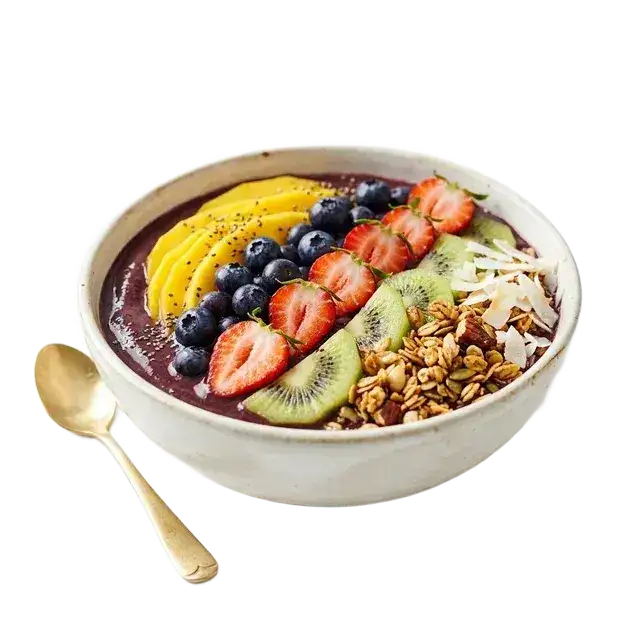
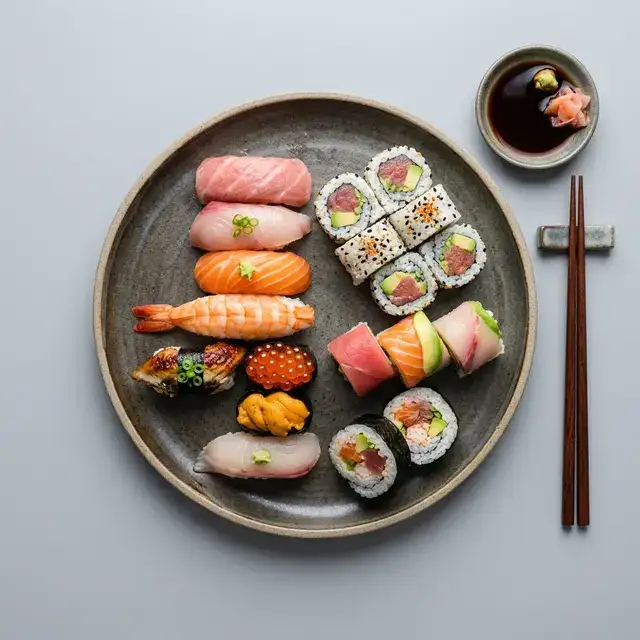
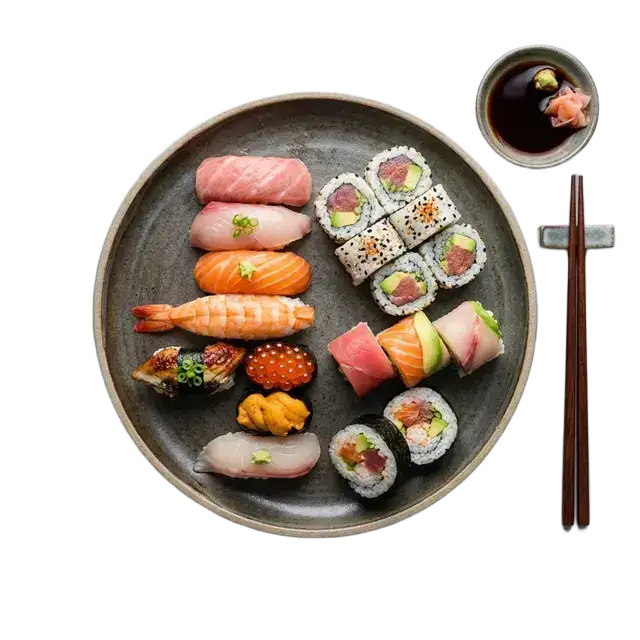
A messy background kills an appetite. TryPixflow performs a razor-sharp cut around plates, bowls, and even complex ingredients like burger buns or pizza crusts. By completely removing the original table or kitchen clutter, we give you a clean slate to place your dishes onto branded color backgrounds or transparent digital menus.
Flexible Pricing
No credit card required to start. Choose a plan that works for you.
Basic
Get 150 HD Image Cutouts
- 150 HD Image Cutouts
- Commercial License
- Standard Speed
Pro
Get 500 HD Image Cutouts
- 500 HD Image Cutouts
- Commercial License
- Priority Speed
Business
Get 2000 HD Image Cutouts
- 2000 HD Image Cutouts
- Commercial License
- Highest Priority Speed
Secure encrypted payments. 24/7 priority support included.
Frequently Asked Questions
Everything you need to know about Batch Process Your Food Photos Instantly background removal.
No. Even if you take photos with your smartphone under normal restaurant lighting, TryPixflow perfectly isolates the food and the plate from the background, making it look clean and professional.
Perfectly suitable. Food delivery apps prioritize clear, distraction-free images. Using TryPixflow ensures your dishes stand out against clean backgrounds, which is proven to increase order conversion rates.
Yes. The AI identifies the hard edges of your plates and the natural contours of the food, ensuring a sharp, appetizing cutout without cutting into your ingredients.